Zynyo Product Update: New Look & Feel!
September 30, 2025
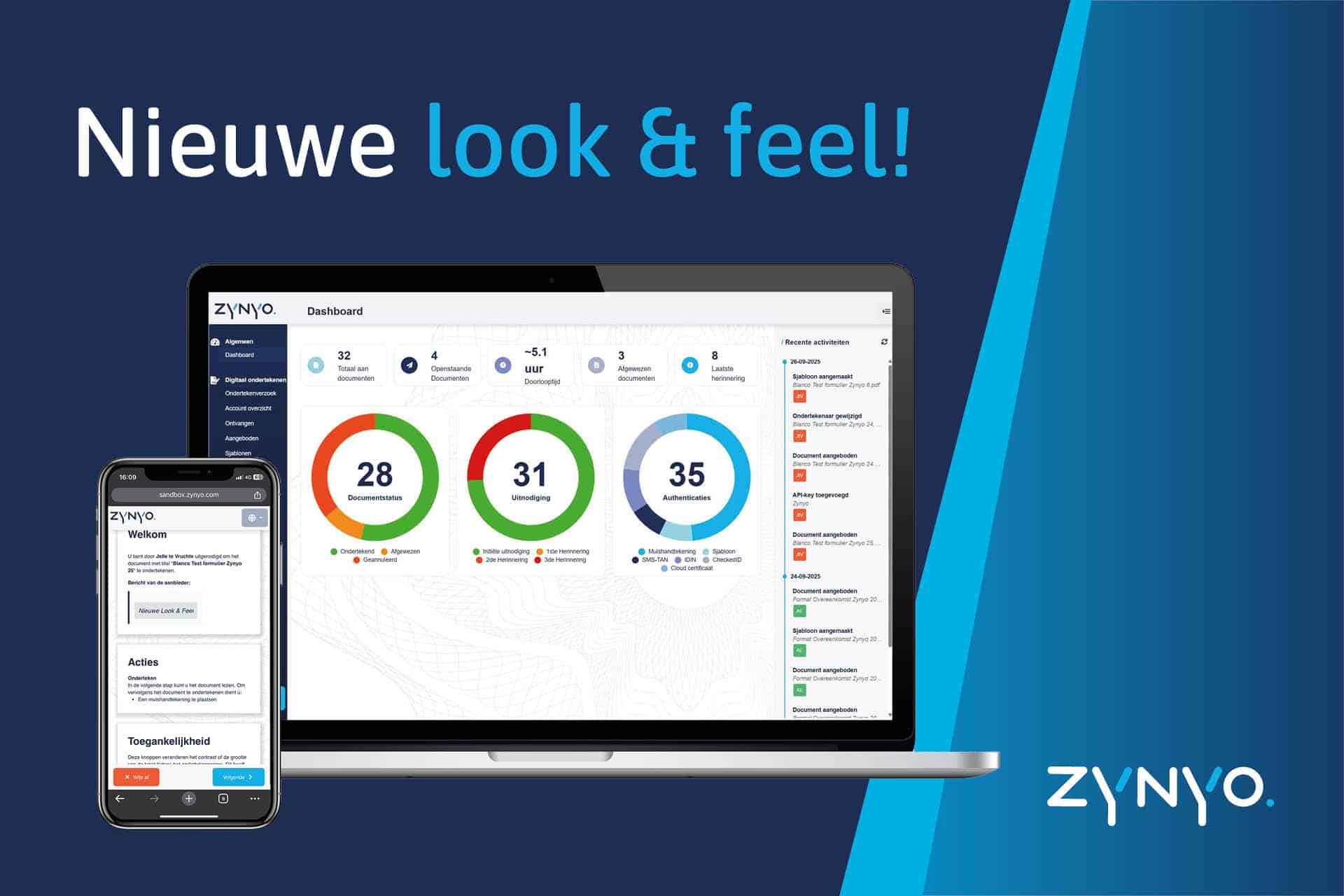
Zynyo launches new look and feel!
The Zynyo team has recently been working intensively to implement a renewed and fresh ´look & feel´ for the SigningService. But not only has the appearance of the signing environment been changed, a number of new functionalities have also been added. This means that the platform has become even more user-friendly for senders of signing requests and also for signers.
What's new?
The signing page has been revamped, the notifications and actions for the signer are displayed in a nice and new a way, the steps to go through are even more clearly visible to the signer, digital accessibility has been improved for people with disability(s), signers can now choose an alternative means during the signing process themselves to speed up the process even more, and more...
The illustration below of the revamped environment shows that the welcome page at a signature request has been updated. In addition, the digital accessibility has been improved for people with functional impairment(s), thus complying with European directives. These functionalities are also easy to find in our new ´look & feel´ for signers.
New features that contribute to the new look and feel
With the implementation of the new ´look and feel´ we have also implemented a number of new functionalities. This will improve the experience of users of the SigningService even more. The most important new features are listed below. Further explanation of each new functionality can be read in our knowledge base.
Signer: Email the provider
The signer can reject a document but can now also ask the provider a question by e-mail. Thus, additional clarification can be requested quickly and easily via the SigningService.
Signer: Authentication agent replaced
After the signature request is sent, a signer may not be able to sign the document with the mandatory authentication means. If the provider has activated this then the signer (without contacting the provider) can choose an alternative means of authentication themselves.
Provider: Update signature request
It is now possible in the new update to remove signers from the signing process after the signing request has been sent. It also remains possible to change signers. It is also possible to change the information of signers; e.g. change name, email address or the authentication means. It is no longer necessary to create an entirely new signature request when a change is needed in the signature request.
Provider: visual signature with cloud certificate
Despite the fact that a visual signature is not necessary for the legal validity of signing with a PKI cloud certificate, our customers find it convenient to add a visual signature to a signing request. In the new update, senders can request the signer to add a visual signature in conjunction with a qualified signature.
Provider: Insight Identification with eID
It was already possible to send signature requests securely where the recipient of the signature request has to go through an identification (e.g. with SMS-TAN or iDIN) before the document can be viewed. The new update adds that this can now also be done with a digital identity at the highest eIDAS trust level. And with that same means, a qualified signature can then also be created in the subsequent signing process.
Provider: identifier by eIDAS level
When sending a signature request, identifiers are now arranged by category in accordance with the guidelines of the National Digital Infrastructure Inspectorate (RDI). This was introduced to further assist and inform providers on the use of our identifiers.
More information (images) on the above features are included in our help center. With these additions, we are working towards the most intuitive signing platform in line with the highest legal and cyber security requirements.